
Fix Hacked WordPress Website Fast – Complete Recovery Guide
If your WordPress website has been hacked, redirecting visitors or showing spam content, this is a business emergency. A compromised website can damage SEO rankings, customer trust, and revenue within hours.
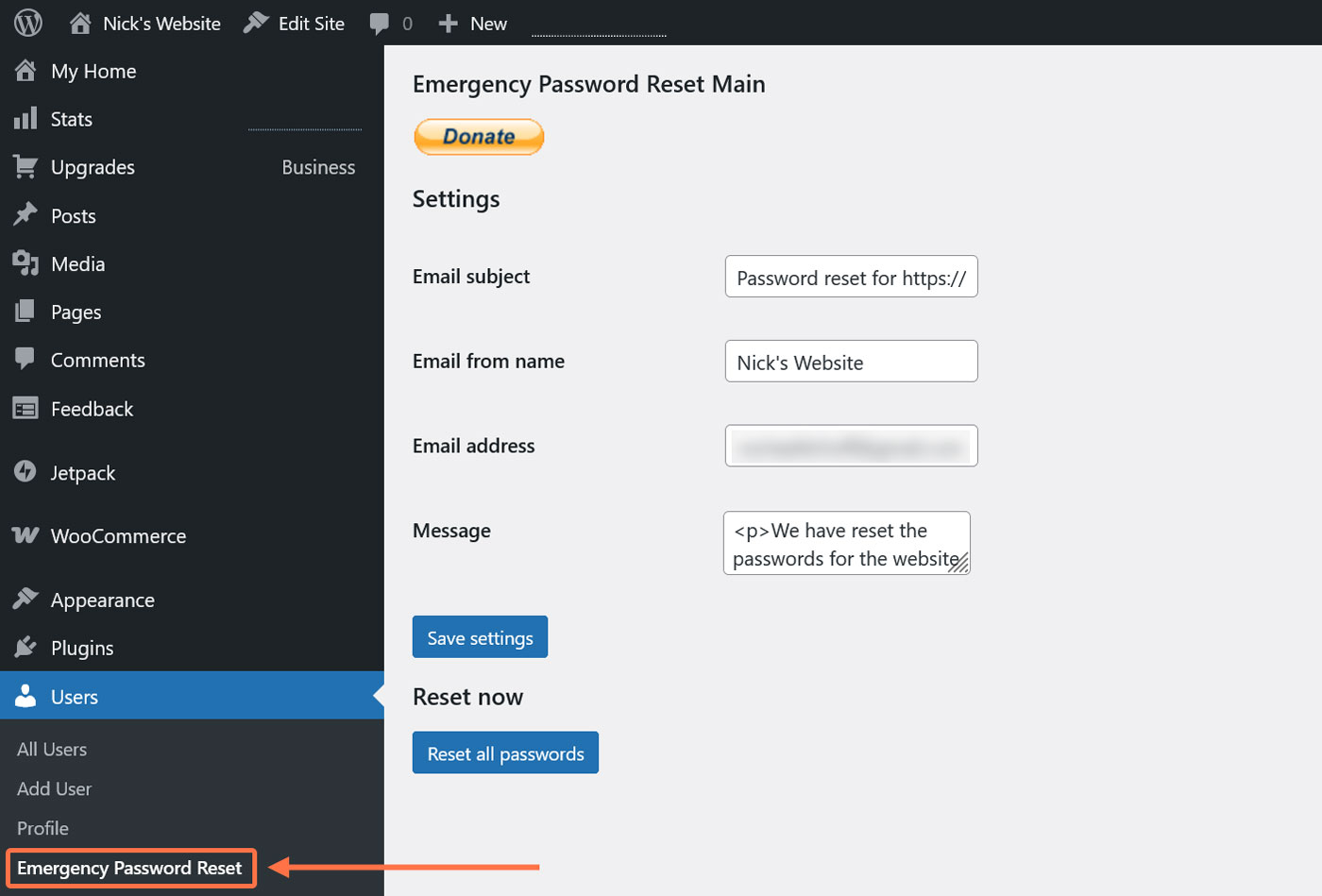
At AbdulWaheed.pk, we help businesses recover hacked websites, remove malware safely, and secure their platforms against future attacks.
Common Signs Your WordPress Site Is Hacked
Before starting recovery, confirm the infection. Most hacked websites show one or more of these symptoms:
- Visitors redirected to spam or gambling websites
- Google warning: “This site may be hacked”
- Unknown administrator accounts
- Hosting suspension notices
- Sudden traffic drop
- Spam pages appearing in search results
Attackers typically inject malicious scripts into themes, plugins, or database entries. Improper cleanup often causes reinfection.
Step 1 – Secure Website Access Immediately

The first priority is stopping further access by attackers.
- Change hosting and control panel passwords
- Reset all WordPress admin accounts
- Update database credentials
- Remove unknown FTP users
- Enable maintenance mode temporarily
This step prevents ongoing damage while cleanup begins.
Step 2 – Identify Malware Locations
Malware commonly hides inside:
- wp-config.php
- .htaccess file
- Theme header or footer files
- Unknown PHP files in wp-content
- Recently modified files
Advanced infections also inject malicious database scripts, which require careful inspection.
Step 3 – Replace Core Files Safely
Download a fresh WordPress copy and replace core files while keeping the wp-content folder intact.
- Remove unused themes
- Delete nulled or pirated plugins
- Remove suspicious directories
Random deletion can break functionality, so cleanup must be performed carefully.
Step 4 – Strengthen Security After Cleanup
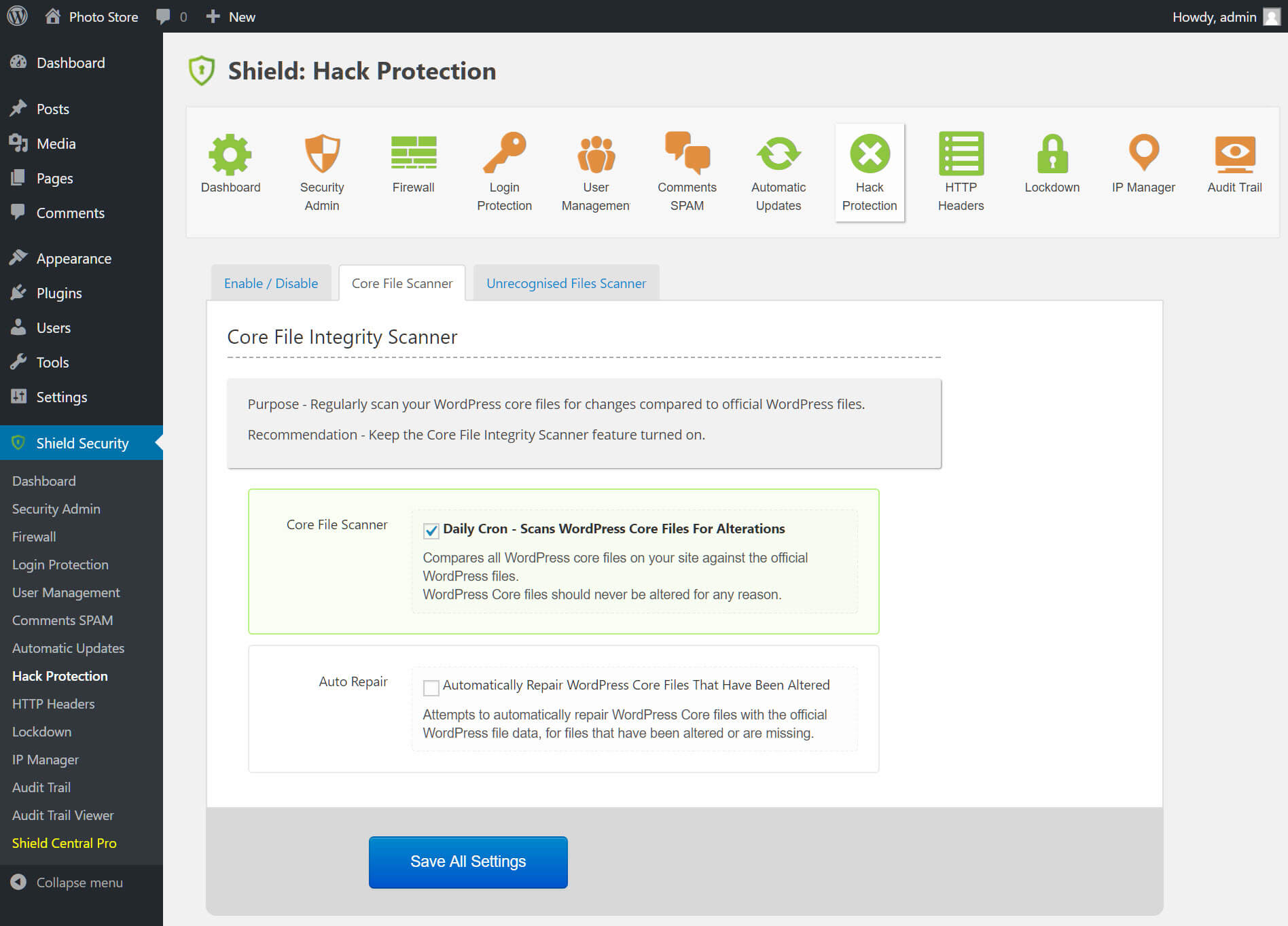
Removing malware alone is not enough. Proper hardening prevents reinfection.
- Install firewall protection
- Disable file editing
- Enable two-factor authentication
- Limit login attempts
- Set correct file permissions
- Configure automatic backups
Most reinfections occur because security measures were never implemented.
When You Should Hire a Professional Developer
Professional help is recommended when:
- Your website generates revenue
- Google blacklisted your domain
- Malware keeps returning
- Hosting repeatedly suspends your account
- You are unsure which files are infected
For business websites, professional cleanup is usually faster and safer than trial-and-error fixes.
Emergency WordPress Malware Removal
We help businesses clean hacked WordPress websites, remove malware completely, secure hosting environments, and restore SEO performance.
Send your website URL and receive a response within 24 hours.
Fix My Website NowPHP Development Company | Joomla & WordPress Specialists
We provide website repair, performance optimization, and custom development services for international clients.
Visit Homepage